THE PLICSY BLOG
Less export work.
More making.
Photoshop export troubleshooting and practical workflows, with example PSDs you can open, explore, and export yourself.
Troubleshooting · 6 min
Photoshop Generator not working on Apple silicon?
Your PSD is ready. Your exports are not. Here is how to investigate a Generator error on an M-series Mac—and keep a named-layer export workflow moving.
Read guide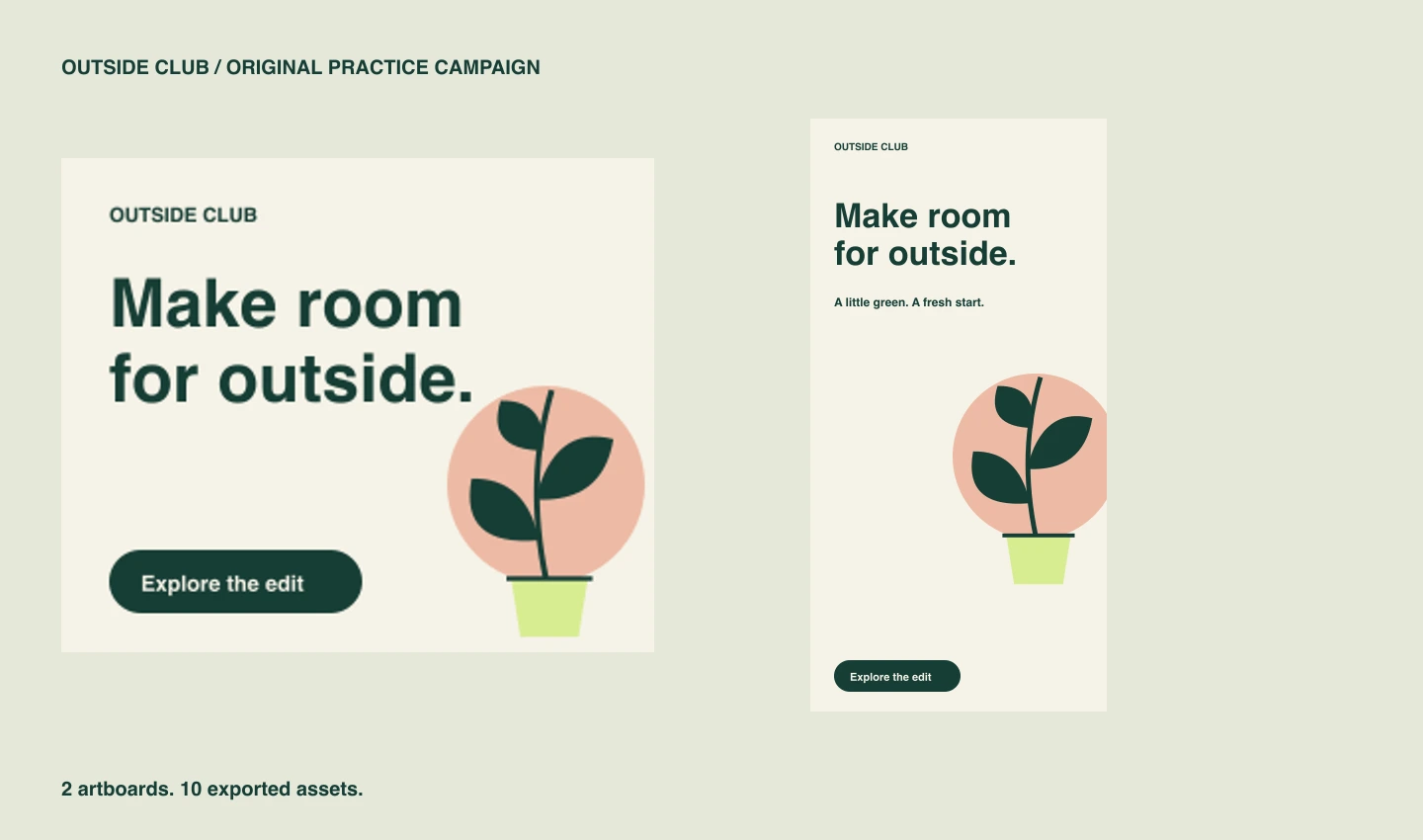
Getting started · 6 min
Export your first Photoshop assets with Plicsy
Turn two Photoshop artboards into ten ready-to-use files. This small practice project shows how layer names become assets, how a group becomes one image, and where your exports go.
Read tutorial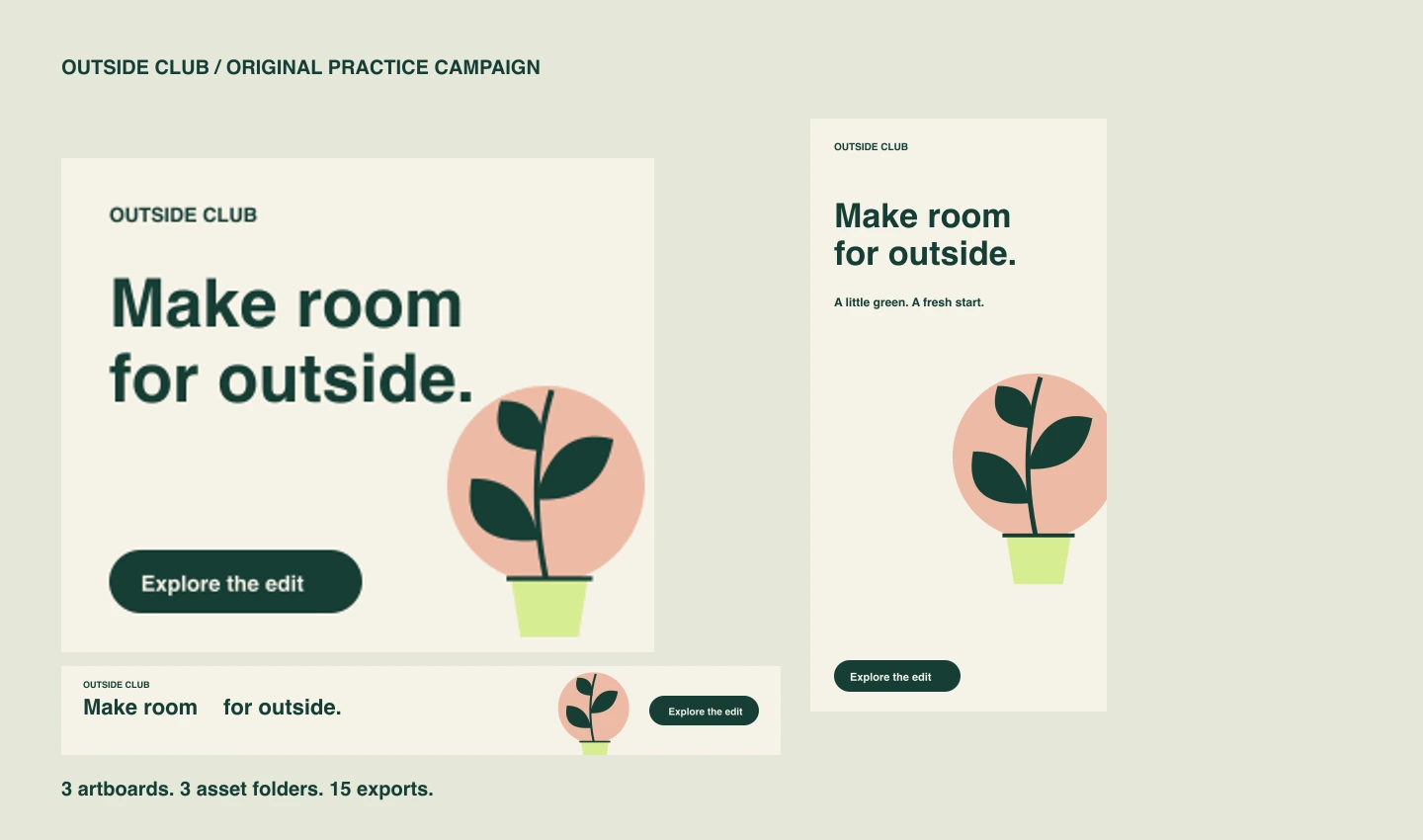
Campaign workflow · 5 min
Export banner assets into separate artboard folders
Keep a campaign’s backgrounds, headlines, artwork, and buttons together by banner size. Use the same short layer names in every artboard and let Plicsy organize the exported files.
Read tutorial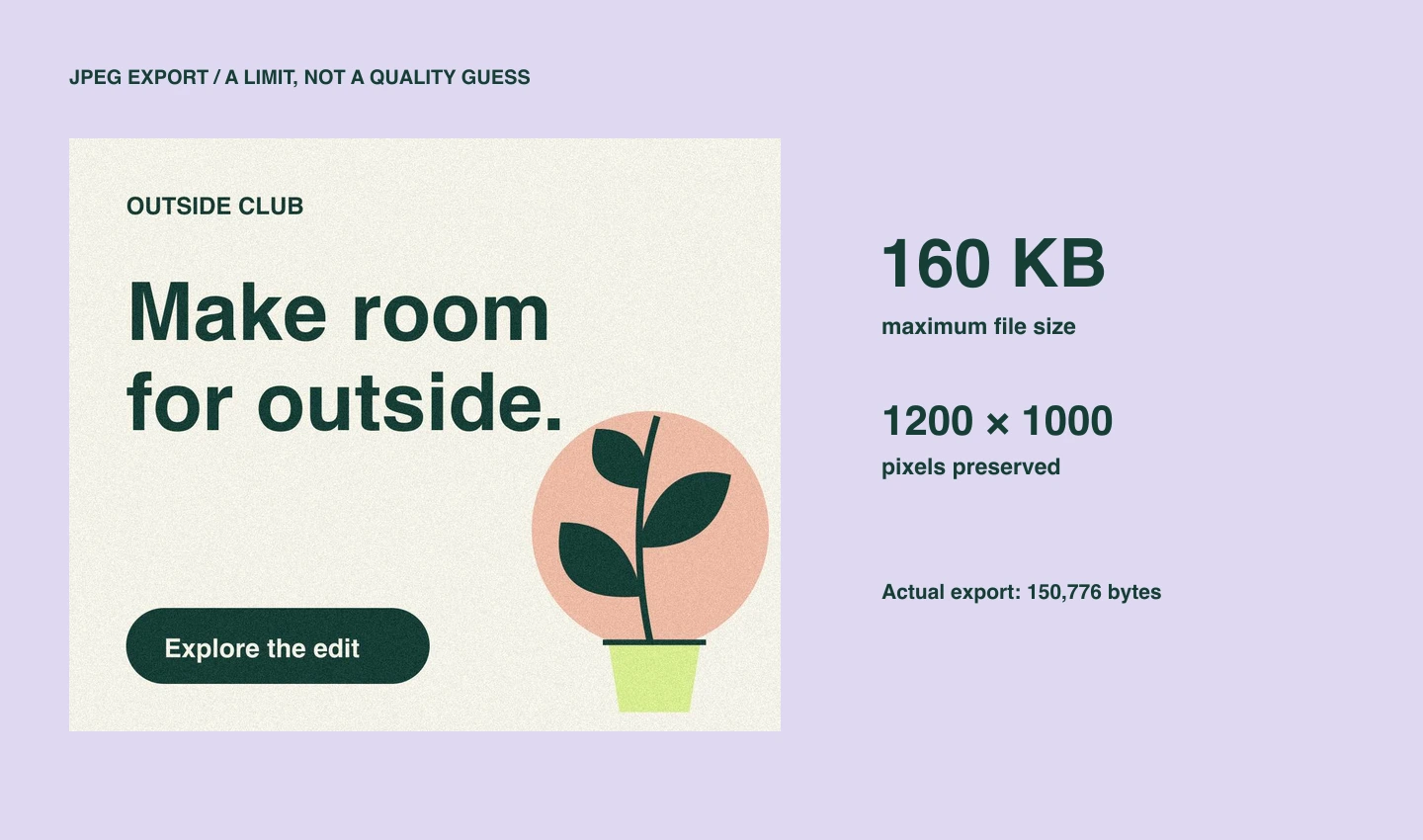
Delivery requirements · 6 min
Export JPEGs under a file-size limit from Photoshop
A quality setting does not promise a file size. Give Plicsy a byte limit in the asset name and it will try JPEG quality settings while preserving the image’s pixel dimensions.
Read tutorial